
Estimated reading time: 5 min read
Effective inventory synchronisation requires a centralised POS system that provides real-time updates across all physical and digital sales channels. As retailers move from traditional single-channel models to an omnichannel approach, they are no longer just managing a shop floor; they are managing a complex network of websites, marketplaces, and multiple physical locations.
This transition introduces what many operators call the inventory gap. This is the dangerous disconnect between the actual stock sitting on a shelf and the stock levels displayed to a customer on a mobile app or website. When these two figures do not match, the entire operational flow of the business is at risk.
The challenge is particularly acute for growing businesses in Malaysia that are expanding their footprint. Moving from a single location to a multi-outlet operation or adding an e-commerce wing requires a fundamental shift in how data is captured and shared. Without a unified system, the growth that should drive profit instead creates a cycle of manual errors and customer dissatisfaction.
The High Cost of Desynchronised Stock
When your stock levels are not synchronised, the primary casualty is the customer experience. Consider the common scenario where an online customer completes a purchase, only to receive an automated cancellation email an hour later because the item was sold in a physical branch moments earlier. This is more than a minor inconvenience; it is a breakdown in trust that can drive customers toward competitors.
Beyond reputational damage, there are tangible operational costs. Every time an order cannot be fulfilled due to a stock error, staff must spend time processing refunds, managing customer complaints, and investigating the discrepancy. This is essentially unpaid labour that adds no value to the business.
Furthermore, desynchronised stock leads to financial inefficiency. If your digital storefront shows an item is out of stock when it is actually sitting in a warehouse or a different branch, you are losing potential revenue. Conversely, if the system incorrectly shows stock is available, you may inadvertently commit to sales you cannot fulfil, leading to higher transaction fees for refunds and potential penalties from third-party marketplace providers.
Why Manual Methods and Spreadsheets Fail Growing Retailers
Many small retailers begin their journey using manual processes, such as end-of-day stock counts or Excel spreadsheets, to track their inventory. While these methods may suffice for a single-till operation with limited stock variety, they quickly become a liability as the business scales.
The fundamental flaw in manual tracking is lag time. A spreadsheet is a snapshot of the past, not a live representation of the present. There is always a gap between a sale occurring at the POS and that sale being recorded in the master spreadsheet. In a multi-outlet or omnichannel environment, this gap creates phantom stock. This occurs when the system indicates an item is available for sale online, but the physical unit has already been sold or moved, leading to inevitable overselling.
As you add more outlets, the complexity of managing these spreadsheets grows exponentially. Attempting to consolidate stock levels from three different branches and two online platforms into a single document is prone to human error. One misplaced digit or a delayed update can trigger a chain reaction of incorrect orders, inaccurate financial reporting, and misplaced confidence in your data.
Key Requirements for Effective Inventory Synchronisation
To successfully navigate the transition to omnichannel retail, your technology must move beyond simple transaction recording. When evaluating a new POS system to support your growth, focus on three critical requirements.
First, you need real-time updates. The system must be capable of reflecting a sale the moment it happens. If a customer buys the last unit of a product at your physical counter, that information must be instantly communicated to your website and any connected marketplaces. This immediacy is the only way to eliminate the risk of overselling.
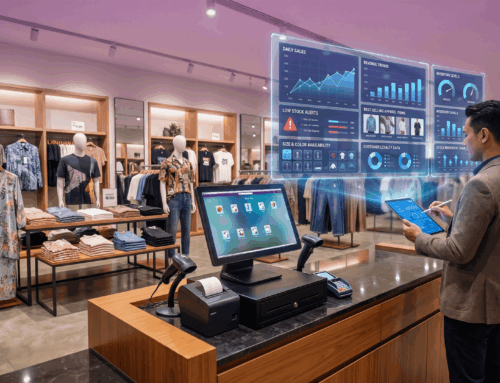
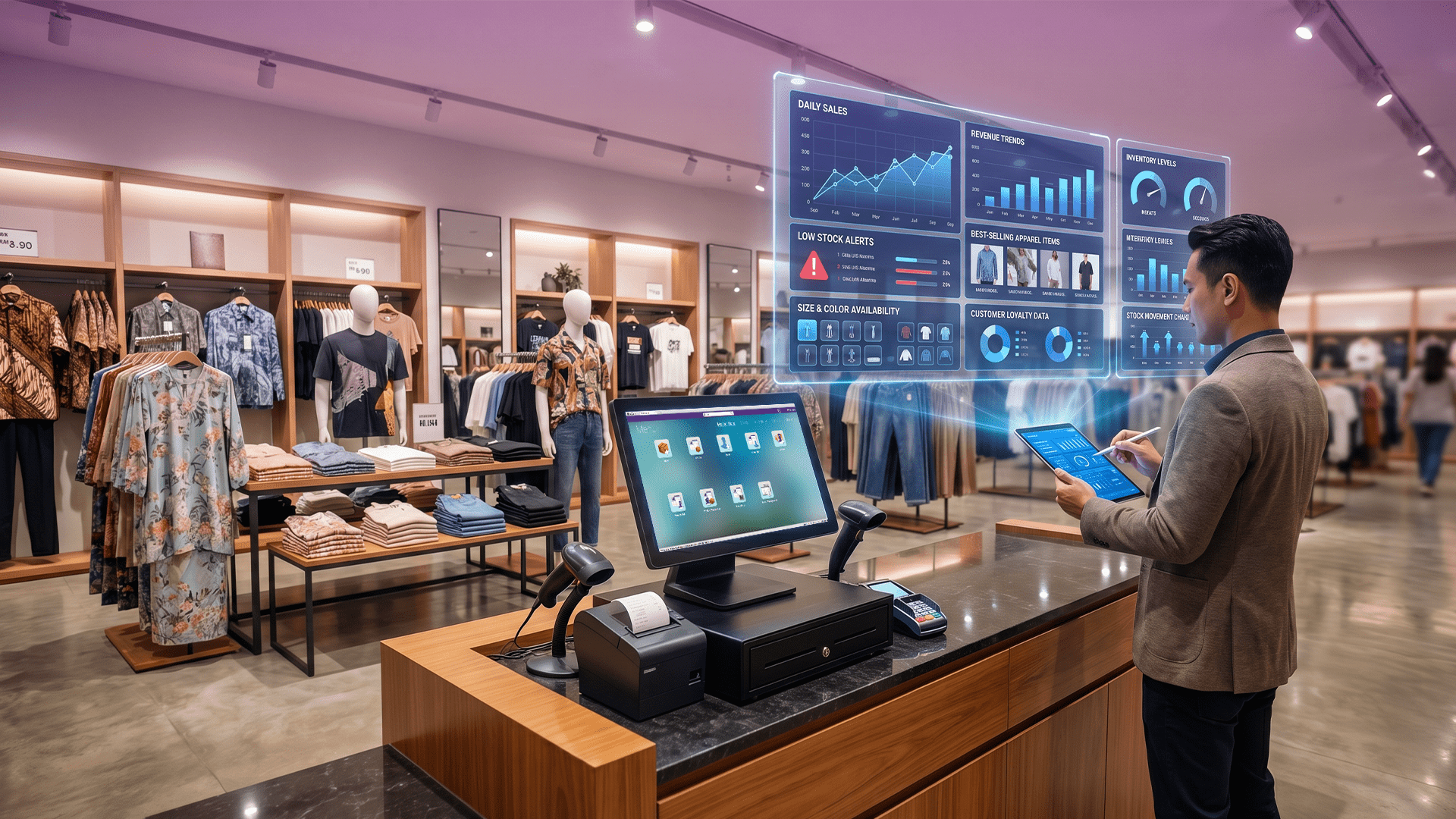
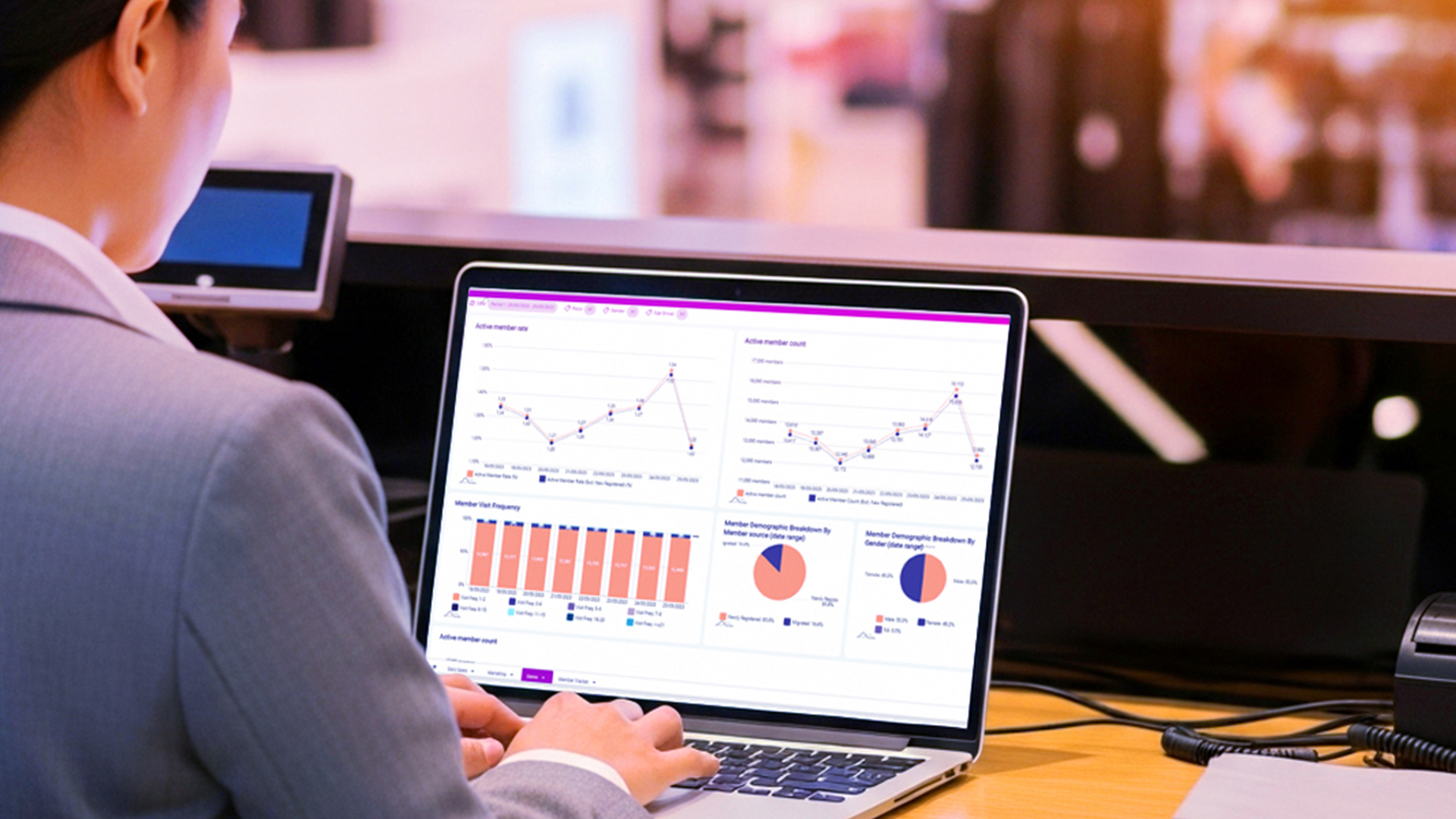
Second, the system must provide centralised data. You require a single source of truth. Rather than having separate databases for your website and your physical stores, all sales, stock movements, and customer data should flow into one central hub. This allows management to view the entire business health from one dashboard, regardless of where the sale originated.
Third, prioritise scalability. A system that works for two outlets might struggle when you expand to ten. Your technology should allow you to add new physical locations, new warehouse locations, or new digital channels without needing to overhaul your entire operational workflow.
Transitioning from Single-Channel to Omnichannel Operations
Moving to an omnichannel model requires more than just purchasing new software; it requires a shift in how you view your retail operations. In a single-channel model, the focus is often on the individual transaction at the till. In an omnichannel model, the focus must shift to the entire lifecycle of the product and the customer.
This means your POS system must be viewed as the central engine of your business intelligence. It should not only record sales but also provide integrated reporting that shows how different channels are performing in relation to one another. For example, you might find that certain products sell better online but drive foot traffic to your physical stores for impulse buys.
Effective transition also involves preparing your staff. An omnichannel approach requires teams to be aware that a customer might buy online and return in-store, or check local stock availability on their phones before visiting. Your technology must support these workflows to ensure that the staff can provide a consistent service, whether they are behind a physical counter or managing an online order.